A practical guide to BOM structure, types, and how a well-built BOM reduces supply chain risk across every dimension.
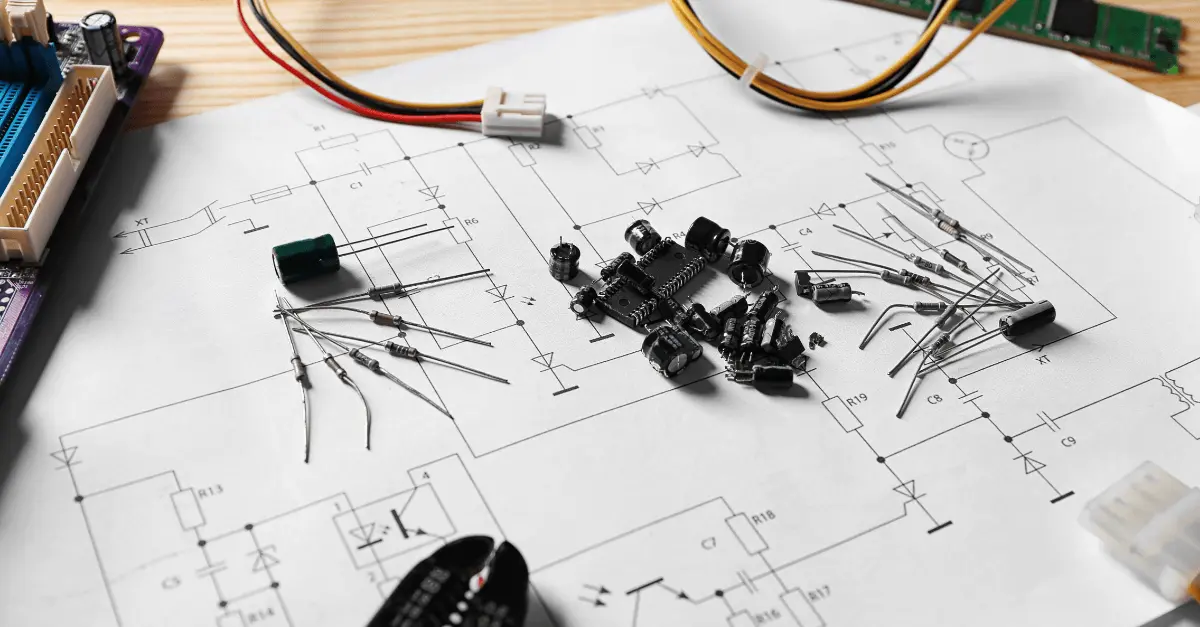
A bill of materials is the master list of every part, component, subassembly, and raw material required to manufacture a finished product. In electronics manufacturing it is also the central nervous system of the business: the document that design, engineering, purchasing, materials management, sales, and manufacturing all depend on to do their jobs. When the BOM is wrong or incomplete, the downstream consequences compound quickly. A purchasing team ordering against bad MPNs creates inventory errors. A manufacturing line building from a mismatched revision causes quality escapes. A compliance team assessing the wrong components generates regulatory exposure. Structure is not a clerical concern. It is the difference between a BOM that enables cross-functional coordination and one that creates friction at every handoff. Every workflow that touches a product, from initial design through end-of-life disposition, runs through the BOM. Getting the structure right at the start eliminates rework downstream and creates the data foundation for proactive risk management.
Different teams across the product lifecycle work from different views of the same product. The three primary BOM types each serve a distinct purpose, and understanding which type a team needs prevents the common mistake of forcing one format to serve all functions.
Primary BOM types and their use cases
| BOM Type | Primary Owner | Purpose | Key Contents |
|---|---|---|---|
| Engineering BOM (EBOM) | Design / R&D Engineering | Defines the product as designed | Part name, MPN, part number, subassemblies, revision, quantity, specs, alternate part numbers |
| Manufacturing BOM (MBOM) | Manufacturing / Operations | Defines the product as built | All EBOM content plus packaging, assembly instructions, component and subassembly sequencing |
| Sales BOM (SBOM) | Sales / Order Management | Defines the product as sold | Finished product pricing, sales order line items, configurable option breakdowns |
| Configurable BOM | Engineering / Program Management | Customer-specific design variants | Materials, components, labeling, and packaging tied to a customer design specification |
| Production BOM | Manufacturing | Foundation for production planning | Components, production process steps, and assembly instructions for the factory floor |
| Assembly BOM | Manufacturing / Operations | Sub-assembly build instructions | Assembly and sub-assembly items and relationships for a production stage |
Beyond BOM type, structure itself determines how useful a BOM is when something goes wrong. A single-level BOM lists all parts and quantities in a flat format. It is fast to create and easy to read for simple products, but it carries a significant limitation: it records no relationships between parts, assemblies, or sub-assemblies. When a failure occurs, there is no way to trace which sub-assembly a failed component belongs to, or which other assemblies share the same part. A multi-level BOM organizes the product hierarchically, from the top-level finished assembly down through every sub-assembly to individual components. Each level preserves the parent-child relationship, so a change at one level can be traced through all downstream assemblies it affects. For any product with more than a handful of components, multi-level structure is the practical standard. It makes troubleshooting faster, design change analysis cleaner, and supply chain risk assessment more precise, because you can immediately see which products and sub-assemblies a given component feeds into.
The value of a BOM is determined by the quality of data in each line. A line item that contains only a part number and a description leaves purchasing, compliance, and engineering teams doing manual lookups to fill the gaps. An effective BOM line item contains enough structured data that every downstream function can act on it without additional research.
A well-structured BOM does not happen by default. It requires deliberate decisions about format, ownership, and process before the first line is written. The following steps apply whether you are building a BOM from scratch or bringing discipline to an existing one.
A BOM structured with complete, accurate data is the prerequisite for every supply chain risk workflow. Without clean MPNs and manufacturer names, a lifecycle screening tool cannot match components to its database. Without an approved vendor list, a sourcing team has no starting point for alternate qualification. Without revision history, a compliance team cannot determine which component version received regulatory testing. The connection between BOM structure and risk management is direct: every gap in BOM data creates a blind spot in risk visibility. A multi-level BOM with complete line-item data enables teams to identify single-source dependencies before a discontinuation is announced, assess tariff exposure when Section 301 rates change, trace a compliance failure to the specific sub-assembly and product line it affects, and qualify alternates from the approved vendor list before spot prices spike. The BOM is not just a manufacturing document. It is the foundation of proactive risk management.
Once a BOM is properly structured and uploaded into a component intelligence platform, it becomes a diagnostic tool across five distinct risk dimensions that manual BOM management cannot surface simultaneously.
Part Risk Manager accepts a BOM upload in CSV, Excel, or directly from a PLM integration. Z2's normalization engine scrubs and standardizes every MPN, then matches each line against a database of 1B+ off-the-shelf electronic components. The result is an instant risk dashboard: lifecycle status and EOL forecast for every part, compliance status per regulation, distributor pricing and availability, and a composite risk score per component. From that dashboard, teams can filter to at-risk parts by any dimension, access cross-reference suggestions filtered by lifecycle status, country of origin, compliance, and current availability, and assign mitigation strategies including bridge buys, last-time buys, and cross-reference qualification. Pre-built reports surface the highest-priority findings immediately: high lifecycle risk parts, drop-in crosses with available inventory, and market and pricing summaries. Custom reports can be built against any combination of qualification, parametric, compliance, or lifecycle criteria. Every alert tied to a part in the BOM fires automatically when a PCN, PDN, or lifecycle change is detected, so teams do not wait for a supplier notification that may never arrive.
A BOM is not a static document. Component lifecycles shorten, regulations add new restricted substances, suppliers change manufacturing sites, and design iterations add or remove parts. Each of these events can create a gap between the BOM on record and the actual risk profile of the product. Maintaining BOM accuracy requires a standing process: formal engineering change order (ECO) review for any part substitution, regular re-screening against updated lifecycle data as forecasts are revised, compliance re-assessment when new substances are added to REACH SVHC lists or PFAS restriction frameworks, and supplier re-evaluation when a manufacturer's risk score changes due to financial distress, sanctions exposure, or site consolidation. For manufacturers carrying large product portfolios with BOMs containing hundreds or thousands of line items, manual maintenance at this pace is not realistic. Continuous monitoring tied to the BOM, rather than periodic manual review, is how leading OEMs stay ahead of risk rather than reacting to it.
A BOM that exists only inside an ERP or a shared spreadsheet is a starting point, not a risk management asset. The full value of a structured BOM emerges when it feeds into connected workflows: compliance assessment, sub-tier mapping, and supplier risk scoring running against the same data simultaneously. Z2's Compliance Manager draws on the same BOM to assess regulatory status across 270+ regulations, achieving 80% out-of-the-box coverage on day one using Z2's FMD and CoC database, then executing supplier outreach for the remaining gaps. Supply Chain Watch maps BOM components to manufacturing sites and sub-tier suppliers, revealing geographic concentrations and single-site dependencies that are invisible from the Tier 1 supplier relationship alone. Because all three products work from the same BOM upload and the same underlying component database, findings in one product are immediately relevant to the others. A part flagged for lifecycle risk in Part Risk Manager may also carry Xinjiang-origin exposure visible in Supply Chain Watch, and compliance documentation gaps visible in Compliance Manager. That cross-dimensional picture is not available when each function maintains its own spreadsheet.

Upload your BOM into Part Risk Manager and Z2's normalization engine matches every MPN against 1B+ components, instantly surfacing lifecycle forecasts, compliance status across 270+ regulations, distributor availability, and a composite risk score per part. From that single upload you can identify at-risk components, access pre-screened cross-references, assign mitigation workflows, and generate custom reports, without weeks of manual research across manufacturer sites, distributor catalogs, and compliance databases.
Get a Demo